ChatGPT vs Microsoft Copilot: Which One Should You Actually Use in 2026?
Quick Overview
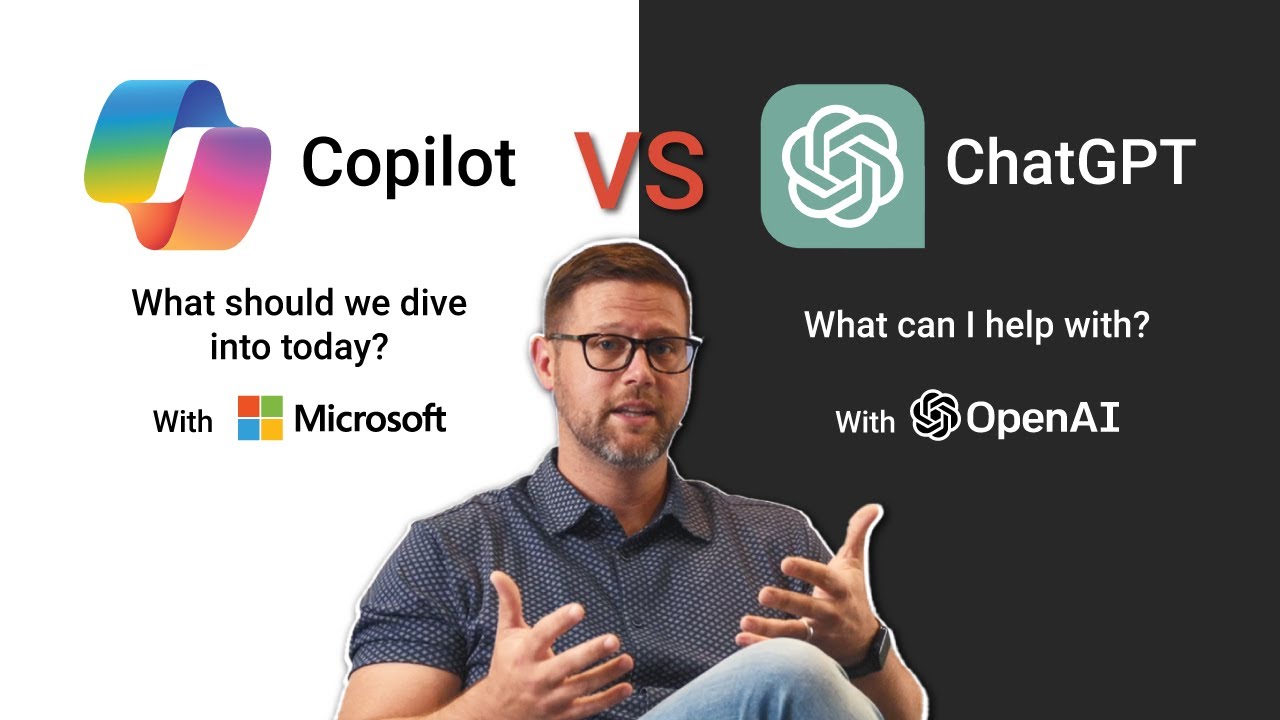
I've been using both ChatGPT and Microsoft Copilot daily for the past two years, and I'll be honest—I started out as a hardcore ChatGPT fanboy. I had the Plus subscription, used it for everything from coding to writing emails, and thought Copilot was just a watered-down version for people who couldn't be bothered to open a browser tab. Then I actually started using Copilot seriously, and my opinion did a complete 180. Now I use both, but for very different things, and I've got strong opinions about where each one shines and where they fall flat.
The thing is, these two tools have evolved in completely different directions. ChatGPT has become this massive Swiss Army knife that can do almost anything but sometimes feels like it's trying too hard. Copilot, on the other hand, has doubled down on being deeply integrated into the Microsoft ecosystem, which makes it incredibly useful for certain workflows but frustratingly limited for others. I've spent hundreds of hours testing both, and I'm going to break down exactly where each one works and where it doesn't.
Feature Comparison Table
| Feature | ChatGPT | Microsoft Copilot |
|---|---|---|
| Model | GPT-4o (2026 version) | GPT-4o + Microsoft proprietary models |
| Context Window | 128K tokens (handles entire novels) | 32K tokens (good for documents, not books) |
| Web Search | Built-in, but sometimes slow | Seamless Bing integration, faster |
| File Upload | Images, PDFs, Word docs, Excel, code files | Deep Office integration, real-time editing |
| Image Generation | DALL-E 4 (included in Plus) | Designer integration (limited free tier) |
| Voice Mode | Advanced voice, multiple accents | Basic voice, less natural |
| Custom Instructions | Yes, very flexible | Limited, tied to Microsoft account settings |
| Integration | Standalone app, browser, API | Office 365, Windows, Edge, Teams |
| Offline Mode | No | Limited offline capabilities |
| Data Privacy | Opt-out available, data used for training | Enterprise-grade, data not used for training |
ChatGPT - What I Actually Think
Let me tell you about my real workflow with ChatGPT. I'm a freelance writer and content strategist, so I use it for brainstorming article ideas, refining drafts, and sometimes writing entire sections when I'm stuck. The 128K context window is a lifesaver—I can dump an entire 300-page manuscript into it and ask it to analyze character arcs or check for plot holes. Last week, I fed it a 50-page client brief and asked it to generate a content calendar based on the target audience. It worked. Not perfectly, but it saved me about four hours of manual work.
Where ChatGPT really shines for me is in creative tasks. I write a lot of fiction on the side, and the new voice mode is surprisingly good for brainstorming dialogue. I'll pace around my apartment talking through a scene, and ChatGPT will respond in character, suggesting lines and catching inconsistencies. It's weirdly immersive. The image generation with DALL-E 4 has also gotten scary good—I've used it to create mock book covers and social media graphics that actually look professional.
But here's the thing that drives me nuts: ChatGPT still hallucinates like crazy when it doesn't know something. I asked it yesterday to summarize a specific academic paper from 2023, and it confidently generated a completely fake summary with made-up statistics. I've learned to double-check everything, but that's time I don't have. And the web search feature? It works, but it's slow. I'll ask for recent news about a topic, and it takes 15-20 seconds to pull results. Copilot does this in about 3 seconds.
Microsoft Copilot - What I Actually Think
Copilot surprised the hell out of me. I started using it because a client insisted on working through Microsoft Teams, and I needed something that could pull context from our conversations. Now I genuinely prefer it for anything work-related. The deep Office integration is not a gimmick—it actually works. I can be in the middle of editing a Word document, ask Copilot to rewrite a paragraph in a more professional tone, and it does it inline without me having to copy-paste anything. Same with Excel: "Can you explain this formula?" and it highlights the cell and gives me a plain English explanation.
The real killer feature for me is how Copilot handles context across apps. I'll be in Outlook, ask it to summarize the last five emails in a thread, and it pulls from Teams messages and OneNote notes too. It's like having an assistant who actually remembers what you've been working on. The enterprise data privacy is also a huge deal—I've had clients who absolutely refuse to use ChatGPT because of data concerns, and Copilot's "your data is your data" policy makes them comfortable.
But Copilot has some serious blind spots. The context window is only 32K tokens, which sounds like a lot until you try to analyze a large document. I tried to have it review a 100-page contract last month, and it kept hitting its limit and forgetting what we'd discussed. The voice mode is also pretty basic—it works for dictation but feels robotic compared to ChatGPT's conversational voice. And forget about creative writing. I asked Copilot to help me write a short story, and it produced something that read like a corporate memo about feelings.
Real-World Performance
Let me give you a concrete comparison. I had to research and write a 2,000-word article about sustainable packaging trends for a client. With ChatGPT, I spent about 20 minutes generating the outline, then another hour fact-checking because it kept citing sources that didn't exist. The writing itself was good—engaging, varied sentence structure, natural flow. But I had to redo about 30% of the research.
With Copilot, the research phase was much faster because it pulled real-time data from Bing and actually showed me the sources. I could click through and verify immediately. But the writing was... fine. It was technically correct, well-structured, but lacked personality. I ended up rewriting about 40% of the text to make it sound less like a corporate brochure.
For coding, it's a different story. I do some basic Python scripting for data analysis, and ChatGPT is significantly better at debugging. I had a script that kept throwing errors, and ChatGPT walked me through the logic step by step, suggesting fixes. Copilot tried to help but kept suggesting solutions that didn't account for the specific data structure I was using. On the flip side, if I'm working in Excel and need to automate a repetitive task, Copilot's VBA suggestions are spot-on because it understands the exact context of my spreadsheet.
Pricing
This is where things get interesting. As of 2026:
ChatGPT:
- Free tier: GPT-4o with limited messages (about 50 per day), no image generation, no web search
- Plus: $20/month - unlimited messages, DALL-E 4, web search, voice mode
- Pro: $200/month - priority access, longer context, API credits
Microsoft Copilot:
- Free: Limited to 30 chats per day, basic integration, no Office 365 features
- Pro: $20/month - Office integration, priority access, 100 chats per day
- Business: $30/user/month - enterprise security, full Office 365 integration, unlimited chats
- Enterprise: $50/user/month - everything plus custom models and compliance
Here's the kicker: if you already have a Microsoft 365 subscription (which costs about $12/month), Copilot Pro is only an additional $8/month. So you're paying $20 total for Office 365 plus Copilot Pro, which is the same as ChatGPT Plus alone. That changes the math significantly if you're already in the Microsoft ecosystem.
The Bottom Line
After two years of daily use, here's my honest recommendation: use both, but for different things.
If you're a writer, creative professional, or someone who needs flexible, creative AI assistance, ChatGPT is still the better choice. The larger context window, better voice mode, and superior creative writing make it worth the $20/month. I use it for brainstorming, fiction writing, and any task where I need the AI to "think outside the box."
If you work in a corporate environment, use Office 365, or need AI that respects data privacy, Copilot wins hands down. The deep integration with Outlook, Teams, Word, and Excel is not something you can replicate with ChatGPT, no matter how many plugins you add. I use Copilot for all my client work, email management, and document editing.
But if you're a small business owner or freelancer who does a bit of everything, I'd actually recommend starting with ChatGPT Plus and then adding Copilot Pro if you find yourself missing the Office integration. The two tools complement each other well, and honestly, $40/month for both is still cheaper than hiring a virtual assistant for even a few hours.
One last thing: don't believe the hype about either one being "better" overall. They're different tools for different jobs. ChatGPT is like a brilliant but occasionally unreliable creative partner. Copilot is like a competent, reliable assistant who works best within established systems. Pick the one that fits your workflow, and don't be afraid to use both.