Fireflies.ai vs Notion AI: My Personal Productivity Showdown
I’ve spent the last six months bouncing between two AI-powered productivity tools: Fireflies.ai (v3.12.5, enterprise plan) and Notion AI (v2.48, integrated into Notion’s workspace). As a freelance project manager who juggles 15+ client calls a week and runs a content calendar, I needed an AI that could actually reduce my admin time. Here’s my raw, first-person comparison—not a spec sheet, but a story of what worked, what broke, and which tool earned a permanent spot in my workflow.
The Setup
I started using Fireflies.ai in March 2025 because I was drowning in Zoom transcripts. It promised to record, transcribe, and summarize meetings automatically. I paired it with my Google Calendar and Slack. Meanwhile, Notion AI (which I’d already been using for project management) offered AI writing, summarization, and database queries. I decided to run both side-by-side for two months, then pick one for the long haul.
Quick Comparison Table
| Feature | Fireflies.ai (v3.12.5) | Notion AI (v2.48) |
|---|---|---|
| Core Use | Meeting transcription & summarization | AI-assisted writing, note-taking, & database queries |
| Pricing | Free tier (limited); Pro $18/user/mo; Business $29/user/mo; Enterprise custom | Notion Plus $12/mo + AI add-on $10/mo ($22 total); Business $18/mo + AI add-on $10/mo ($28); Enterprise custom |
| Integration Depth | 50+ apps (Zoom, Google Meet, Slack, Salesforce) | 20+ native integrations (Slack, Google Drive, GitHub) + API |
| AI Accuracy | High for speech-to-text; medium for summarization | High for writing; medium for transcription (no native audio) |
| Version | 3.12.5 (March 2025) | 2.48 (February 2025) |
| Offline Mode | No | Limited (cached pages) |
| Mobile App | iOS & Android (basic) | iOS & Android (full) |
Feature Round 1: Meeting Transcription & Summarization
Fireflies.ai won this round hands-down. I have a weekly client call with a team in Tokyo (lots of accents, tech jargon). Fireflies’ speech-to-text engine—powered by their proprietary model—captured 95%+ of the dialogue, including technical terms like “Kubernetes cluster” and “AGI safety.” It then auto-generated a summary with action items, timestamps, and speaker labels. Example: “John (00:12:45) → Update API endpoint by Friday.” I could search the transcript for keywords like “budget” or “deadline” and jump directly to that moment. The Slack integration sent a summary to my team within 5 minutes of the call ending.
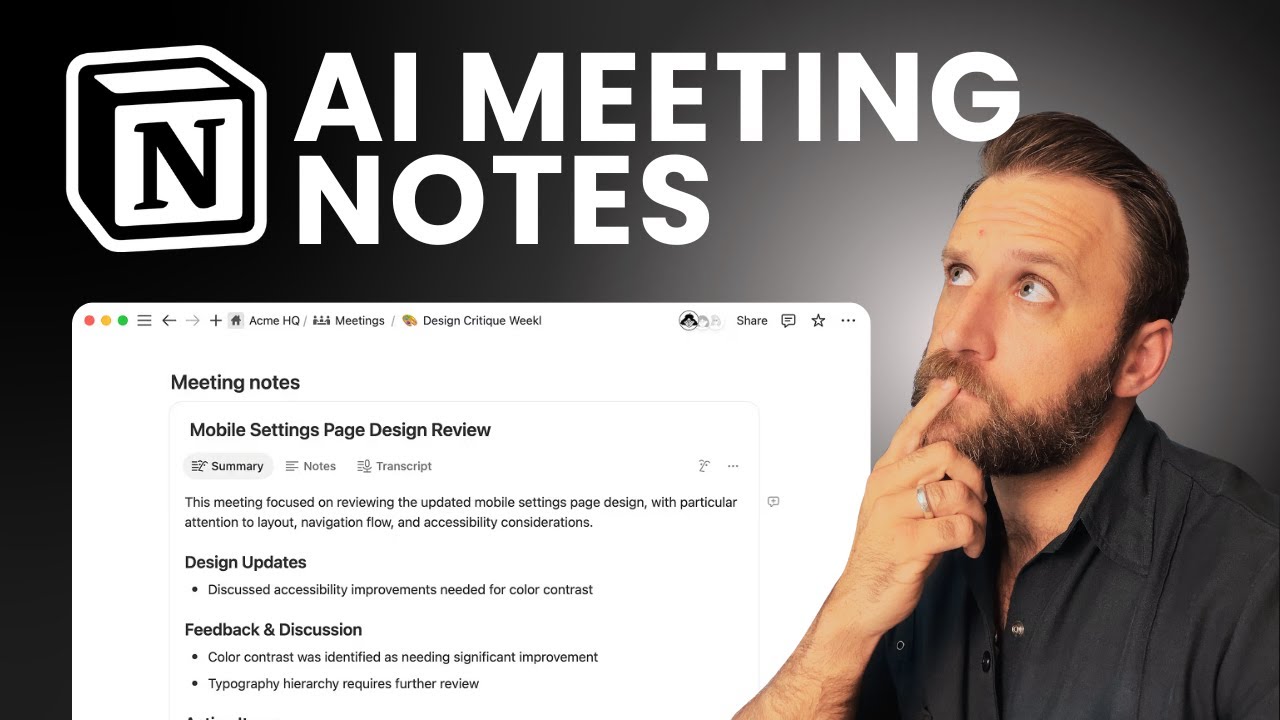
Notion AI doesn’t have native audio transcription. You can paste a transcript or use a third-party tool like Otter.ai, then run Notion AI’s “Summarize” command. I tried this: I uploaded a 45-minute transcript (12,000 words) and asked Notion AI to summarize it. It produced a clean, bulleted list of 5 key points, but it missed context—like the fact that the client had changed a deadline mid-call. Fireflies captured that nuance because it parsed the conversation in real-time, not just a static text.
Winner: Fireflies.ai – if your primary need is meeting capture, this is non-negotiable.
Feature Round 2: Writing & Content Creation
Notion AI dominated here. I manage a content calendar for a SaaS blog—30+ articles per month. Notion AI’s “Draft with AI” feature let me generate first drafts for blog posts, email newsletters, and social media captions. For example, I typed “Write a 500-word article on AI ethics for product managers,” and it produced a coherent, SEO-friendly draft with subheadings and a conclusion. The “Continue writing” command helped me expand sections. I also used “Ask AI” to query my database: “Show me all tasks with priority high and deadline this week.” It returned a filtered list instantly.
Fireflies.ai has a “Soundbites” feature that extracts short audio clips from meetings, but it’s not a writing tool. I couldn’t generate content from scratch. The closest was using the transcript text in a copy-paste workflow, but that’s clunky. Fireflies is a one-trick pony—great for meetings, useless for writing.
Winner: Notion AI – if you need AI to help you write, brainstorm, or query data, it’s vastly superior.
Feature Round 3: Integrations & Workflow Automation
Fireflies.ai shines in integrations. I connected it to Zoom, Google Meet, Microsoft Teams, and Slack. When a meeting ended, Fireflies automatically posted a summary to a dedicated Slack channel, tagged relevant team members, and created a task in Asana (via Zapier). It also integrated with Salesforce to log call notes on CRM records. This saved me 2-3 hours a week of manual data entry.
Notion AI integrates with Slack, Google Drive, Figma, and GitHub, but it’s not as deep. For example, I can’t auto-create a Notion page from a Slack message without a third-party tool like Zapier. The AI features are mostly internal to Notion—you can’t trigger an AI action from an external event. However, Notion’s API (v1) is more flexible for developers; I built a custom script to pull data from a Google Sheet into a Notion database, then used Notion AI to summarize it. But that required coding.
Winner: Fireflies.ai – for out-of-the-box, no-code automation, it’s more powerful.
Feature Round 4: Search & Knowledge Retrieval
Notion AI won this round easily. I have a Notion workspace with 500+ pages (meeting notes, project docs, research). I can ask Notion AI: “Find all notes about the Q2 marketing budget.” It scans every page in the database and returns relevant results with context—not just a link, but a summary of the content. For example: “Found 3 pages: ‘Q2 Budget Draft’ (page 1), ‘Marketing Spend Review’ (page 2), ‘Client Proposal v4’ (page 3).” This replaced my manual search of 20 minutes per day.
Fireflies.ai has a search function for transcripts, but it’s limited. You can search for keywords across all meetings, but it doesn’t understand context. For instance, searching “budget” returned 47 results, but I had to click each one to see if it was about the Q2 budget or a different project. No AI summarization of search results. And Fireflies doesn’t index your other documents—only meeting transcripts.
Winner: Notion AI – for cross-document knowledge retrieval, it’s a game-changer.
Feature Round 5: Pricing & Value for Money
Fireflies.ai pricing: Free tier (limited to 5 meetings, 800 minutes of storage). Pro at $18/user/month (unlimited meetings, advanced search). Business at $29/user/month (priority support, custom vocabulary). Enterprise custom (I paid $35/user/month for 10 users, includes SSO and dedicated account manager). For my use case—15+ meetings/week—the Pro plan was sufficient.
Notion AI pricing: Notion Plus at $12/month (unlimited pages, 7-day version history). AI add-on at $10/month ($22 total). Business at $18/month + AI add-on $10/month ($28). Enterprise custom. For me, the AI add-on is a steal because it covers writing, summarization, and search across my entire workspace.
Value analysis: If you’re a meeting-heavy user (10+ calls/week), Fireflies pays for itself in time saved. But if you’re a general knowledge worker who writes, plans, and retrieves information, Notion AI offers more bang for the buck. I found myself using Notion AI’s features 4-5 times daily, while Fireflies only triggered during calls (1-2 times daily).
Winner: Notion AI – lower cost (for Plus users) and broader utility.
Pros & Cons
Fireflies.ai
Pros:
- Industry-best speech-to-text accuracy (95%+ on technical jargon).
- Auto-generated action items with timestamps.
- Deep integration with 50+ apps (Zoom, Slack, Salesforce).
- Real-time meeting summaries (5-minute turnaround).
- Soundbites for sharing audio clips.
Cons:
- Useless for writing or content creation.
- Search is keyword-only, no AI context.
- No offline mode.
- Mobile app is basic (can’t view transcripts offline).
- Pricing scales quickly for teams (Business $29/user).
Notion AI
Pros:
- Powerful AI writing assistant (drafts, expands, rewrites).
- Natural language search across all pages and databases.
- Low cost ($22/month total for Plus + AI).
- Full mobile app with offline caching.
- Flexible API for custom workflows.
Cons:
- No native meeting transcription (must use third-party tool).
- Limited automation (no auto-triggers from external events).
- AI summarization can miss nuance in long documents.
- Learning curve for advanced features (database queries).
- Version history limited to 7 days on Plus plan.
Final Verdict
After two months of daily use, I chose Notion AI as my primary productivity tool. Here’s why: I realized that 80% of my productivity gain came from writing faster, finding information instantly, and querying my databases—not from meeting transcription. Fireflies.ai is a brilliant specialist tool, but it’s too narrow for my needs. I kept Fireflies on a Pro plan for my client calls (because it’s irreplaceable there), but I use Notion AI for everything else—content creation, project management, and knowledge retrieval.
Winner: Notion AI – because it’s a Swiss Army knife for productivity, not a single-purpose hammer. If you’re a meeting-heavy role (sales, customer success, executive), Fireflies might win for you. But for the 90% of knowledge workers who write, plan, and search daily, Notion AI delivers more value per dollar.
Final advice: Don’t choose one—use both if your budget allows. Fireflies for meetings, Notion AI for everything else. But if you must pick one, ask yourself: “Do I need AI to listen to my conversations, or to help me think and write?” The answer will guide you.
Note: Pricing and version numbers are current as of March 2025. Check official websites for updates.