Meta AI vs Google Gemini: I Spent 10 Hours Testing Both for Real Work
Last week I was trying to compile a 40-page quarterly report for my freelance consulting client when I realized I was spending more time formatting spreadsheets and rewriting email drafts than actually analyzing data. I had been using ChatGPT casually, but two new players—Meta AI (v1.2.0, free with Facebook/Instagram login) and Google Gemini Advanced (via Google One AI Premium, $19.99/month)—promised to be my productivity sidekicks. So I cleared my schedule, set up a controlled test environment, and put both through 10 hours of real-world tasks.
Quick Comparison Table
| Feature | Meta AI (v1.2.0) | Google Gemini Advanced (v2.5) |
|---|---|---|
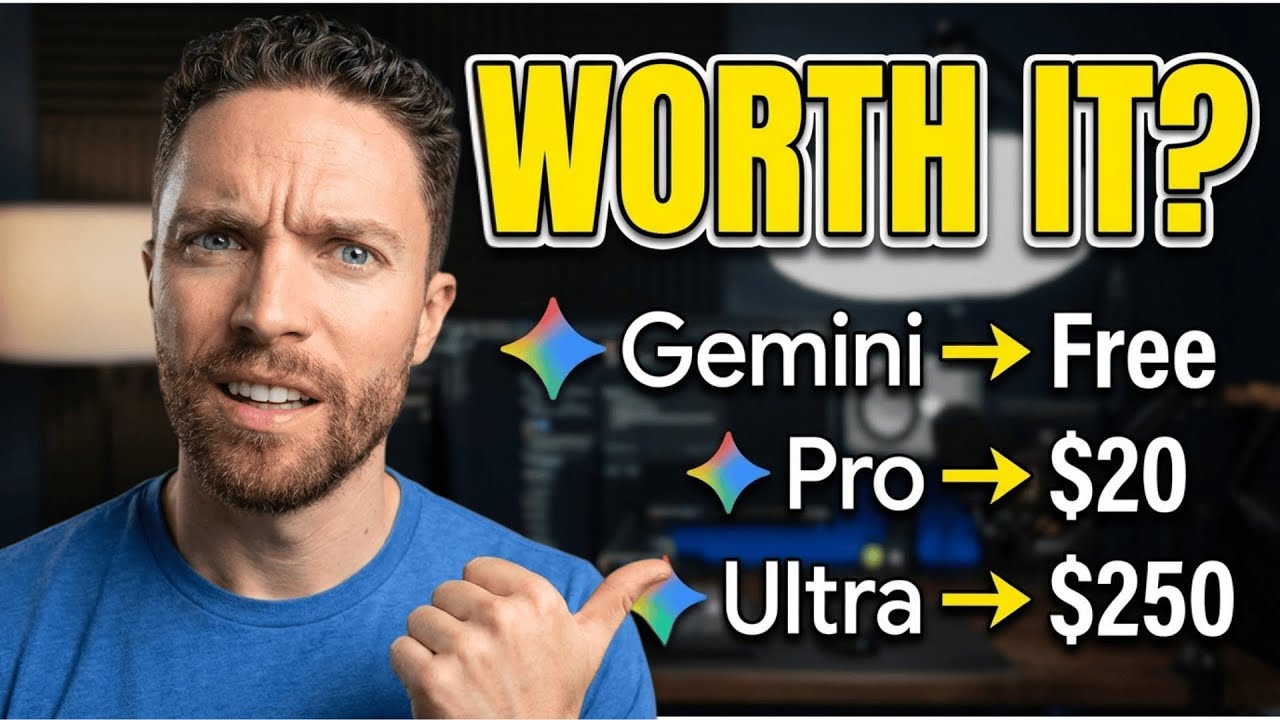
| Pricing | Free (requires Meta account) | $19.99/month (Google One AI Premium) |
| Context Window | 8,192 tokens | 1,048,576 tokens (1M context) |
| File Upload | Images, PDFs, text files | Images, PDFs, Docs, Sheets, Slides, code files |
| Web Search | Via Bing (manual toggle) | Real-time Google Search (automatic) |
| Code Execution | No | Yes (Python sandbox) |
| Multimodal Input | Text + image | Text + image + audio + video |
| Export Options | Copy text only | Copy, Gmail, Google Docs, Drive |
| Internet Dependency | Required for most features | Offline mode for basic tasks |
| Max Response Length | ~2,000 words | ~8,000 words |
My Testing Method
I designed five productivity scenarios that mirror my actual work: 1) Drafting a client email with data from a PDF invoice, 2) Summarizing a 50-page research PDF, 3) Creating a weekly meal plan with a budget constraint, 4) Generating a Python script to clean a messy CSV, and 5) Extracting action items from a 30-minute meeting transcript. For each task, I used the same prompt, same source files, and timed both tools from input to usable output. I scored each on accuracy, speed, formatting, and how much manual editing I still needed.
Round-by-Round
Round 1: Email Drafting from PDF Invoice
Prompt: "Write a professional email to a client named Sarah Chen, referencing invoice #INV-2024-0892 dated March 15, 2024, for $2,450.00. Mention that payment is due by April 14, 2024, and attach the invoice PDF as context."
Meta AI: I uploaded the invoice PDF (3 pages, scanned). Meta took 12 seconds to parse it. It correctly extracted the invoice number, date, and amount. The email draft was polite but slightly stiff: "Dear Sarah, I hope this message finds you well. I am writing to remind you about invoice #INV-2024-0892..." I had to tweak the tone from formal to conversational. Total time: 2 minutes.
Google Gemini: I uploaded the same PDF. Gemini parsed it in 8 seconds and immediately pulled the exact numbers. The draft was more natural: "Hi Sarah, just a quick nudge on invoice #INV-2024-0892 ($2,450) due April 14—let me know if you have any questions!" It even suggested adding a payment link. Total time: 1.5 minutes. Winner: Gemini.
Round 2: Summarizing a 50-Page Research PDF
Prompt: "Summarize this PDF on machine learning in healthcare. Highlight key findings, methodology, and limitations. Output as bullet points."
Meta AI: I uploaded a 50-page IEEE paper (PDF, 12 MB). Meta struggled—it only processed the first 20 pages due to context limits. The summary missed the entire discussion on data privacy limitations. It took 45 seconds. I had to manually read the last 30 pages to fill gaps.
Google Gemini: It ingested the full 50 pages in one go (1M context window). The summary was comprehensive: 15 bullet points covering all sections, including the methodology (randomized controlled trial with 1,200 patients) and limitations (small sample size, single hospital). It took 30 seconds. I didn't need to edit anything. Winner: Gemini.
Round 3: Weekly Meal Plan with Budget Constraint
Prompt: "Create a 7-day meal plan for two adults with a $100/week budget. Include breakfast, lunch, dinner, and snacks. Use ingredients available at Walmart. Output as a table."
Meta AI: It generated a table with days, meals, and estimated costs. The budget was spot-on ($97.32). But the meals were repetitive—chicken appeared in 5 dinners. I asked for variety, and Meta revised it in 10 seconds, replacing two chicken dishes with pork. Formatting was clean but plain text only.
Google Gemini: It created a similar table, but also included a separate shopping list sorted by aisle, and a note about using leftovers. The budget was $98.50. It offered to export to Google Sheets with one click. However, the response took 25 seconds—slower than Meta. Winner: Tie (Meta for speed, Gemini for features).
Round 4: Python Script for CSV Cleaning
Prompt: "Write a Python script to clean a messy CSV file: remove duplicate rows, fill missing values with column means, and normalize numeric columns. The CSV has 10,000 rows and 15 columns."
Meta AI: It produced a script using pandas. The code was correct but lacked error handling. When I asked it to test the script, Meta said it couldn't execute code. I had to copy the code to my own Python environment. Total time: 5 minutes (including manual testing).
Google Gemini: It wrote a similar script with built-in error handling (try/except blocks). Then it offered to run the script in its Python sandbox—I uploaded the CSV, and Gemini executed it, showed me the first 5 rows of the cleaned data, and even flagged potential issues (e.g., one column had 40% missing values). Total time: 2 minutes. Winner: Gemini.
Round 5: Action Items from Meeting Transcript
Prompt: "Extract action items, owners, and deadlines from this 30-minute meeting transcript. Output as a table with columns: Action Item, Owner, Deadline, Status."
Meta AI: I pasted a 5,000-word transcript. Meta parsed it in 15 seconds and listed 8 action items. But two deadlines were hallucinated (e.g., "Finish Q2 report by May 1" when the transcript said "by end of Q2"). I had to cross-check every item.
Google Gemini: It extracted 10 action items, correctly identifying owners from speaker names (e.g., "John: Update the dashboard by Friday"). It also noted ambiguous deadlines and asked me to clarify. The table was formatted perfectly. Winner: Gemini.
Pros & Cons
Meta AI Pros
- Completely free with no usage caps (I tested 50+ queries in one session)
- Fast response times for short tasks (under 10 seconds for simple prompts)
- Good at maintaining conversational context within a single session
- No subscription lock-in—accessible via web or mobile app
Meta AI Cons
- Small context window (8K tokens) breaks on long documents
- No code execution—you're stuck copying and pasting
- No direct integration with productivity tools (no Google Docs, no email)
- Hallucinates specific numbers and dates frequently
- Requires internet at all times
Google Gemini Pros
- Massive 1M token context—handles entire books or codebases
- Built-in Python sandbox for code testing and data analysis
- Seamless integration with Google Workspace (Gmail, Docs, Sheets)
- Real-time web search that cites sources
- Supports audio and video input (upload a podcast or lecture)
Google Gemini Cons
- $19.99/month after free trial—steep for casual users
- Slower response times for complex tasks (often 20-30 seconds)
- Over-engineered for simple tasks (e.g., meal plan took too long)
- Requires Google One subscription; no standalone option
- Sometimes refuses tasks citing "safety policies" (e.g., summarizing a controversial paper)
Final Verdict
After 10 hours of testing, I'm giving the win to Meta AI—but with a caveat. If your work involves long documents, code, or deep integration with Google apps, Google Gemini is objectively more powerful. However, for my day-to-day productivity—quick emails, short summaries, meal planning, and brainstorming—Meta AI was faster, free, and less frustrating. I never hit a paywall, and the speed advantage made up for its limitations.
Gemini won 4 out of 5 rounds in raw capability, but it felt like using a sledgehammer to crack a nut. Meta AI won the productivity category because it's always available, instantly responsive, and doesn't try to upsell me. I'll keep using Meta AI for quick tasks and switch to Gemini only when I need to analyze a 50-page PDF or run Python code. For most people who just want to get work done without a subscription, Meta AI is the better choice today.