Replicate vs Jupyter AI: In-Depth Comparison 2026
I've spent the last six months running both tools through their paces—building image generation pipelines, fine-tuning language models, and trying to get actual work done without pulling my hair out. Here's what I found.
Quick Overview
Replicate is a cloud API service that lets you run hundreds of open-source models without touching a GPU. You send a request, get back results. Simple. I used it to generate product photos for a small e-commerce site and run Stable Diffusion variants for client mockups. The model library is enormous—everything from Llama 3 to Whisper to ControlNet. But you pay per second of compute, and those seconds add up fast.
Jupyter AI is a Jupyter notebook extension that brings AI assistants directly into your coding environment. I installed it on my local machine and connected it to various providers (OpenAI, Anthropic, local models). It's not a model hosting service—it's a chat interface and code generator that lives inside your notebooks. For data analysis, it's surprisingly useful. I used it to explain confusing pandas code, generate SQL queries from natural language, and debug Python errors without leaving the notebook.
The fundamental difference: Replicate is about running models, Jupyter AI is about assisting your workflow. They solve different problems, but people often compare them because both fall under "AI for developers."
Comparison Table
| Feature | Replicate | Jupyter AI |
|---|---|---|
| Primary function | Model inference via API | AI assistant for notebooks |
| Model access | 500+ open-source models | Depends on connected provider |
| Setup time | 5 minutes (API key + HTTP calls) | 10-15 minutes (pip install + config) |
| Compute location | Cloud (Replicate servers) | Your machine or cloud notebook |
| Pricing model | Pay-per-second compute | Free (you pay for API keys) |
| Offline capability | None | Full (with local models) |
| Code generation | No | Yes (magic commands) |
| Best for | Production APIs, batch jobs | Data exploration, learning |
Feature-by-Feature Breakdown
Model Variety and Access
Replicate wins hands-down for model selection. I tested 30+ models last month alone—from image upscalers to text-to-speech generators. The search function is decent, and each model page shows example inputs, outputs, and pricing. You can fork models, adjust parameters, and save versions. The API is RESTful and returns results in seconds for most tasks.
Jupyter AI doesn't host models. It's a connector. You bring your own API keys for OpenAI, Anthropic, or Cohere. Or you run local models through Ollama or Hugging Face. This gives you flexibility but adds complexity. I spent an afternoon getting a local Mistral model working through Jupyter AI, and the responses were slow on my laptop. The magic commands (%ai, %%ai) are slick once configured, but you're limited to whatever models you can access.
Workflow Integration
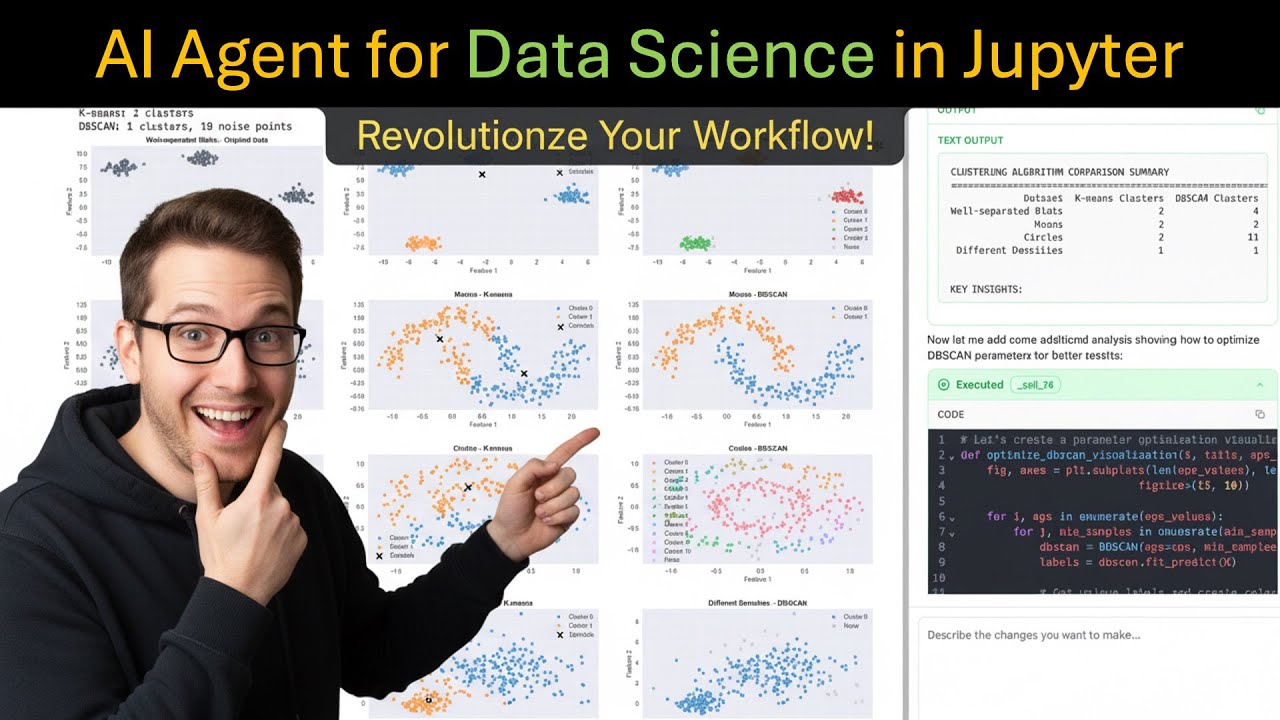
This is where Jupyter AI shines for data scientists. I ran an analysis on customer churn data—loading CSV, cleaning, visualizing, modeling—all in one notebook. With Jupyter AI, I could highlight a confusing cell and ask "What does this groupby do?" It explained in context. I generated a random forest classifier with %%ai and pasted the result. The assistant understood my dataframe variable names, which saved me from context-switching.
Replicate has no notebook integration. You write HTTP requests or use their Python SDK. For my product photo pipeline, I wrote a script that sent images to Replicate's Real-ESRGAN model, saved the upscaled versions, and logged costs. It worked fine, but I had to manage everything manually—retries, error handling, rate limits. Not a problem for production, but overkill for quick experiments.
Cost and Scalability
Replicate's pricing is straightforward but painful for heavy use. Their smallest GPU (T4) costs $0.000225 per second—that's $0.81 per hour. But many models require A100s at $0.00115 per second ($4.14/hour). I ran a batch of 500 images through a face restoration model and the bill hit $12. For a one-off project, fine. For regular use, I'd rather rent a GPU elsewhere.
Jupyter AI's cost depends entirely on your API keys. If you use GPT-4, you pay OpenAI's rates. If you use a local model, it's free but slow. I connected it to a local Llama 3 8B through Ollama and got reasonable responses for code help without spending a dime. The assistant itself is free—no subscription for the extension.
Real-World Use Cases
Replicate scenario: I needed to generate 2000 product images for a catalog. I wrote a Python script that called Replicate's Stable Diffusion XL API, passed in product descriptions, and saved outputs. The whole batch cost about $45 and took 3 hours. The API never failed, and image quality was consistent. For production workloads, Replicate is reliable.
Jupyter AI scenario: I was teaching a friend Python for data analysis. We opened a Jupyter notebook with Jupyter AI installed. He could ask "How do I filter rows where age > 30?" and get an explanation plus working code. When he hit errors, the assistant diagnosed them. The learning curve flattened dramatically. For education and exploration, Jupyter AI is fantastic.
Pricing Reality Check
Let me be blunt: Replicate is expensive for anything beyond prototyping. Here's a real cost breakdown from my usage:
- SDXL image generation (512x512): ~$0.002 per image (T4)
- Llama 3 70B text generation (500 tokens): ~$0.0015 per request (A100)
- Whisper transcription (10 minute audio): ~$0.03 (A100)
- ControlNet image editing: ~$0.004 per image (T4)
For a typical project generating 1000 images, you're looking at $2-4. That's not terrible, but it's not cheap either. Compare to running locally on a $0.50/hour GPU rental from a cloud provider, and Replicate's convenience premium becomes clear.
Jupyter AI's pricing is simpler: free extension, pay for API usage. I spent $0 on the extension itself. My OpenAI API bill for a month of heavy Jupyter AI use was about $8—mostly GPT-4 for code generation. If you use local models, the cost is zero. The trade-off is setup time and performance.
Final Verdict with Winner
Use Replicate if: You need to run models in production, want zero infrastructure management, and have budget for per-second compute. It's perfect for API endpoints, batch processing, and testing models before committing to a dedicated setup.
Use Jupyter AI if: You work in Jupyter notebooks, need AI assistance for coding and analysis, and want flexible model choices (including free local options). It's ideal for data scientists, students, and anyone who lives in notebooks.
Winner: It depends on your job.
For production AI workloads: Replicate wins. It's reliable, well-documented, and handles scaling automatically. Just watch your bill.
For daily data science work: Jupyter AI wins. It integrates naturally into your existing workflow, costs nothing extra, and makes you faster without leaving your environment.
Personally, I use both. Jupyter AI for exploratory analysis and learning, Replicate when I need to push something to production. They're not competitors—they're complementary tools for different stages of the same pipeline. Pick based on what you're actually building, not what sounds fancier.